
How to Search Cases by Name
Know the court level first, then search by name in Wheeler County. Records split across the District Court, the constitutional County Court, justice courts, and municipal courts. The District Clerk usually holds felony, divorce, major civil, juvenile, and child-protection files. County-level misdemeanor, probate, and civil cases sit with the County Clerk instead. So do juvenile and mental-health cases. Traffic and fine-only cases may land in JP1, JP2, or a municipal court. Evictions may too. So may small claims, debt claims, and repair-and-remedy suits.
Spell the name narrowly at first. If the search comes back empty, drop a detail or two. A last name or a short case style beats a long phrase every time. Check the court too. Check the case type, the filing date, and the status before opening any result. A shared name alone does not prove two records belong to the same case.
- Identify the court from the case type or paper notice.
- Use the official county or statewide source for that court.
- Enter a short party or case-style name and apply court filters.
- Open the detail and compare its court, category, and dates.
- Call the custodian if the result is missing, unclear, or old.
Wheeler County LGS Guest Access
The Wheeler County Clerk page links to an Online Records service. Local Government Solutions runs it. The sign-in frame asks for an Email Address and Password. Login, Guest Login, password recovery, and new registration choices appear beside those fields. The county page makes no promise. Not every County Court event or document image shows up there. So treat LGS as one county records channel. It is not a complete Wheeler County court docket.
The LGS sign-in and guest-login screen is the gateway a public user actually meets.
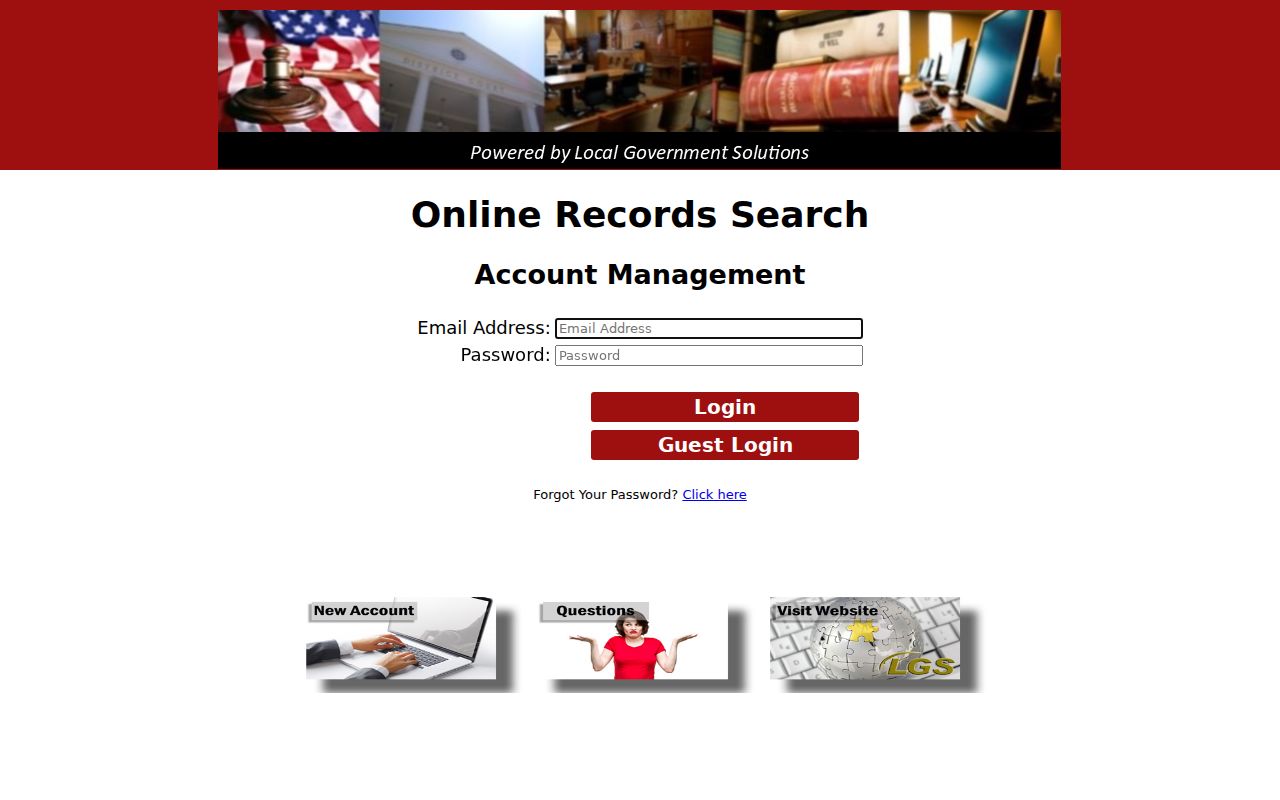
That account gate is why a desktop browser and a direct call to the clerk matter. When a vendor session stalls or hides its search form, those fallbacks still get you moving.
| Control | Type | Use |
|---|---|---|
| Email Address | Text | Account identifier |
| Password | Password | Registered access |
| Guest Login | Button | Public route |
| New Registration | Link | Account setup |
How to Search by Case Number
The cause number is the strongest key for a Wheeler County case lookup. Copy it exactly from a citation, notice, order, petition, or earlier docket entry, dashes and court prefix included. Wheeler County publishes no single format covering every court level, so never normalize what you see. A safe reminder is CAUSE NUMBER AS PRINTED.
Enter the full number first. If re:SearchTX allows a partial docket number, follow the live tool's format. When nothing appears, double-check the court. The two county clerks are not interchangeable. JP and municipal records stay with their own custodians. Keep both numbers handy, too, since a citation number may differ from a later cause number.
Wheeler County re:SearchTX Modes
re:SearchTX serves as the statewide electronic court-record layer for integrated records. Registration or sign-in is required. Access is role-based. The official guide lists four search modes: Cases, Filings, Text in Documents, and Hearings. Results can open into Case Details, Filing Details, document information, or a hearing dialog. Filters, export, and saved-search controls may appear. That happens once you are inside an account.
The re:SearchTX landing page spells out that account gate.
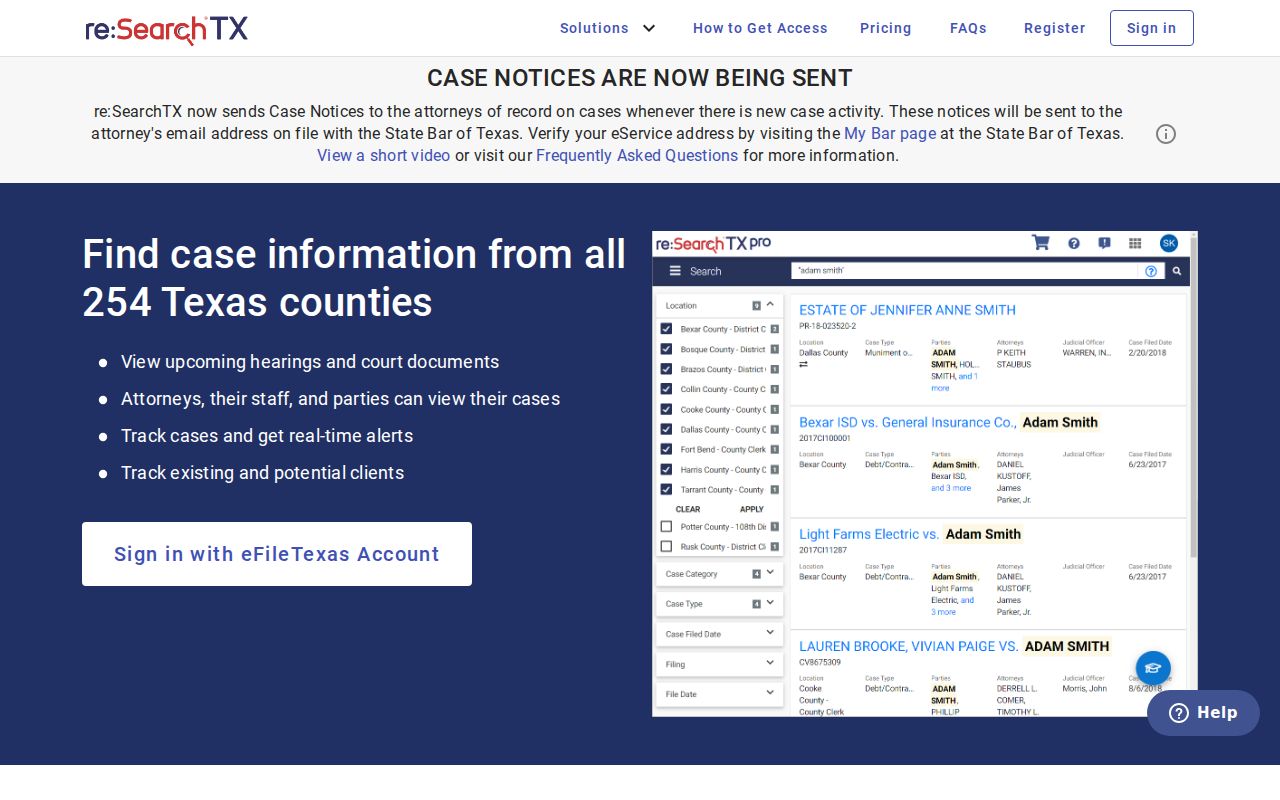
The statewide screen helps with integrated electronic files. It does not prove that every Wheeler County court, or every older record, participates.
- Case Details
- The case view with court and event information.
- Filing Details
- The entry tied to a filed submission.
- Hearing
- A setting record with available date details.
- Role-based access
- Visibility tied to authority and document security.
What a Case Search Shows
A Wheeler County case result may be an index, not the whole file. Typical fields include the cause number, filing date, court, judge, case type, style, and status. Parties and roles show up too. So do attorneys when displayed, chronological events, settings, disposition, and document links. Some entries add costs, a judgment balance, a companion case, or an appeal.
Read the latest event, not just the first row. A filing title is not the full filing. A disposition line is not the evidence. When the actual order, judgment, or pleading matters, request the underlying file; the Wheeler County court record search explains that document step.
| Cause number | The court identifier, preserved as printed. |
|---|---|
| Court and type | The filing court and category that determine custody. |
| Case events | Dated filings, settings, rulings, and disposition. |
| Hearing detail | Date, time, type, judge, or courtroom when published. |
| Document access | A link, fee, security message, or clerk route. |
Wheeler County Electronic Filing Layer
eFileTexas handles electronic filing for courts across the state. Wheeler County is included. Filings then feed into re:SearchTX, a public layer. That layer pulls from filing and case-management systems. Seeing a document there is not automatic, though. Security settings, case type, integration lag, and the age of a filing all shape what a public user can pull up on a court docket search.
The eFileTexas landing page shows the filing side of that system. It also shows how that side stays separate from public case lookup.
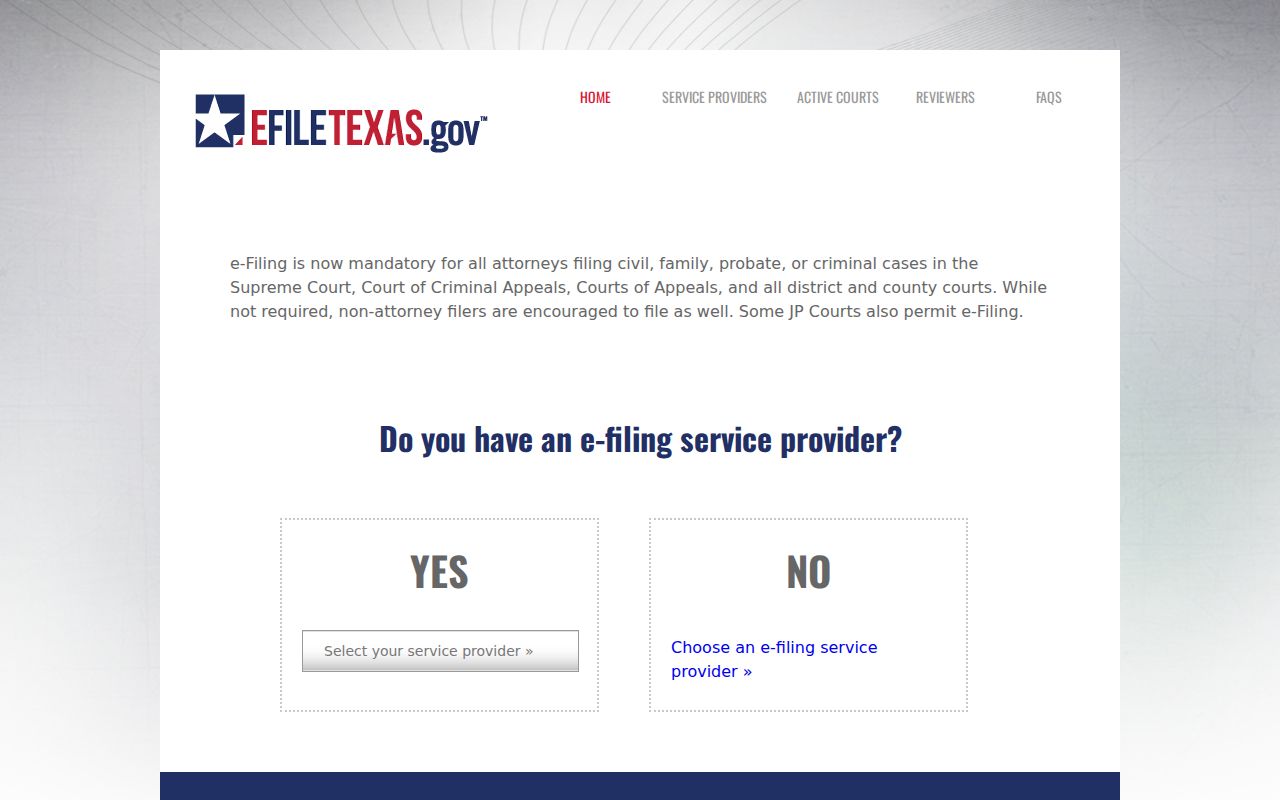
This split lets a searcher ask three separate questions. Does the case exist, is an event indexed, and is the document image public at all?
County vs Statewide Case Search
The County Clerk's LGS link and re:SearchTX are complements, not rivals. Neither is a universal Wheeler County case search. LGS is the county-linked gateway, though its page never defines exact court coverage. re:SearchTX spans participating Texas courts with several search modes. Account rules, integration, and security can limit what returns. When answers still lag, the Texas Judicial Branch sends trial-court requests back to local clerks, justices, and municipal courts.
| Channel | Best use | Key limit |
|---|---|---|
| LGS | County-linked guest search | Coverage is not stated |
| re:SearchTX | Integrated cases and filings | Role and security limits |
| Local court | Old files, dates, copies | Needs correct custodian |
Carry the court name and cause number with you between channels. That trail shows what you checked and what is still open.
Wheeler County No-Result Checks
A blank result usually means the search needs fixing. It does not mean the case is missing. Strip the search down to the cause number alone. Check that the county and court filters match where the suit was filed. Wheeler County matters sit in District Court, County Court, JP1, JP2, or a municipal court. Some older files live only in paper volumes, microfilm, storage, or a separate index. Wheeler County's official sources never state how far back the digital docket goes.
Key point: A missing public result may reflect custody, age, integration, sealing, or search format. It does not establish that no case exists.
Call the clerk with details in hand. Give the court and the cause number or style. Add the rough year, the case category, and the exact record you want. Ask whether the file is archived, restricted, or sitting with the other clerk. For a hearing date, confirm the setting with the court coordinator.
Restricted Cases and Access Rules
Public access has limits. Not every Wheeler County case or document is visible. Juvenile records carry confidentiality protections under Texas Family Code Chapter 58. Sealed records, expunction material, and sensitive data may be hidden, redacted, or limited. A portal can show the case shell. The same portal may hold back one image from view.
Texas also splits case files from non-adjudicative judicial records. Under the judiciary open-records policy, Rule 12 covers judicial administrative records. Case-file access runs through the clerk plus court rules, statutes, and orders. So the Texas Public Information Act is not the automatic route to an adjudicative case file.
Wheeler County Search Audit Trail
Keep notes as you search. Write down the URL and the search date. Add the county and court chosen, the cause number or limited name term, and the exact access message on screen. Note whether you saw an index, an event register, a hearing entry, or a document image. Skip copying sensitive identifiers.
That log lets the District Clerk, County Clerk, or lower court see what you already tried. It also keeps OCA activity reports from muddying things. Those reports describe workload rather than any single case. Match the latest docket event against any separate order or judgment before assuming a matter is disposed. One last note: confirm current portal fees, access terms, and document visibility on the live official screen before ordering any Wheeler County record.